

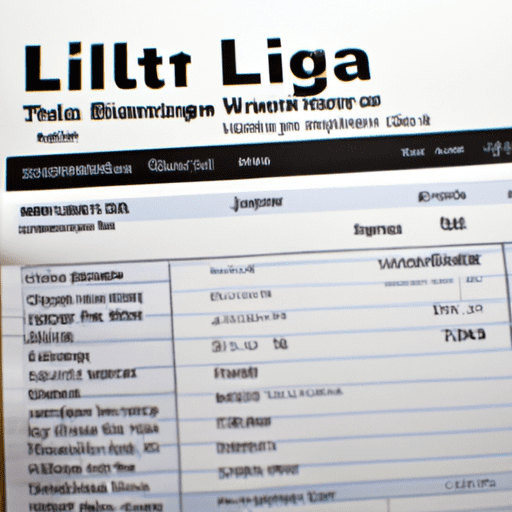
Paying your light bill online is a great way to save time and money. With just a few clicks, you can quickly and easily check your light bill. This article will provide you with a step-by-step guide on how to check your light bill online.
Step 1: Gather Necessary Information
Before you can check your light bill online, you need to have certain pieces of information ready. These include your account number, the address of the property, and your payment method. Once you have this information, you can proceed to the next step.
Step 2: Visit the Website
Once you have the necessary information, you can visit the website of your local utility company. Most utility companies have an online portal where you can view and pay your bills. If you don’t know the website address of your local utility company, you can simply search for it online.
Step 3: Log In
Once you’re on the website, you will need to log in. You can do this by entering your account number and other necessary information. Once you’re logged in, you will be able to view your light bill.
Step 4: View Light Bill
When you log in, you will be taken to your account page where you can view your light bill. Here, you can see the amount due, the due date, and any other relevant information. You can also view your payment history and any unpaid bills.
Step 5: Make Payment
If you want to pay your light bill online, you can do so by clicking the “Pay Now” button. This will take you to a page where you can enter your payment information. Once you have entered your payment information, you can submit your payment and your light bill will be paid.
Checking your light bill online is a fast and easy way to stay on top of your payments. With just a few clicks, you can view your bill and make a payment. Following the steps outlined in this article, you can easily check your light bill online.
If you are looking to stay informed about recent energy savings, then it is important to keep a close eye on your monthly electricity bill. But with online billing, it has become easier than ever to do so. Here are the steps to help you check your light bill online.
First, you will need to log into your account on your utility company’s website. Usually, you will need to create an account if you have not already done so. Once logged in, you can select the option to view or print your current or past electricity bills. You can also set up email notifications to alert you when a new bill is available.
The next step is to view your electricity bill. On the bill, you will be able to see your current electricity usage as well as statements from the previous months. It is important to check the details of your electricity bill to make sure that they are accurate.
Finally, it is important to review your payment options. Many utility companies offer payment plans and discounts that you can take advantage of. You can also review how you can save money on your electricity bills by making smart energy choices.
By taking the time to review your electricity bills online, you can stay informed about your energy usage and ensure that you are paying the correct amount each month. Through online bills, you can make sure your energy usage is accurate and access the payment options necessary to keep your bills paid on time.