

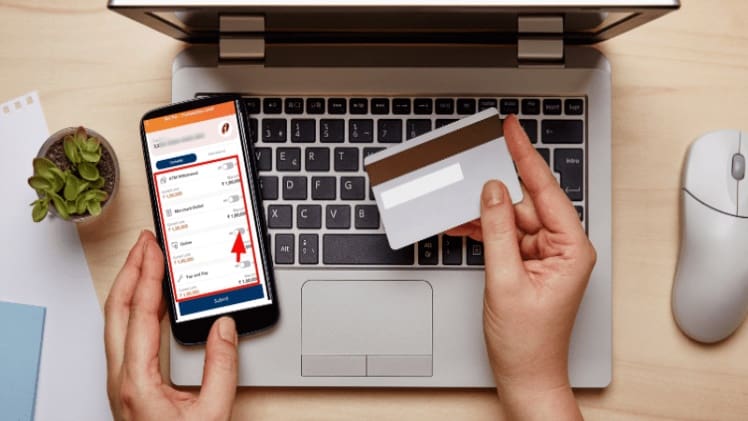
Making payments for your ICICI credit card bills is now easier than ever. With the advent of the internet and digital payments, customers can now conveniently pay their bills online without having to go to the bank or branch. In this article, we will discuss the various online payment options available and the steps to pay your ICICI credit card bill online.
Convenient Online Payment Options
When it comes to online payments, ICICI offers a variety of convenient options. Customers can choose to pay their bills through the ICICI website, mobile app, or third-party websites such as BillDesk. All of these options provide a secure and reliable way to make payments and ensure that the customer’s data is safe.
Steps to Pay ICICI Credit Card Bill Online
- Log in to the ICICI website or mobile app using your user ID and password.
- Select the “Payment” option from the menu.
- Select the “Credit Card Payment” option.
- Enter the amount you wish to pay and select the payment method (such as BillDesk).
- Enter the required details and click “Pay Now” to initiate the transaction.
- You will receive a confirmation message once the payment is successful.
Paying your ICICI credit card bill online is an easy and convenient way to keep track of your finances. With the various online payment options available, customers can now make payments quickly and securely.